
Server Hardware Upgrades
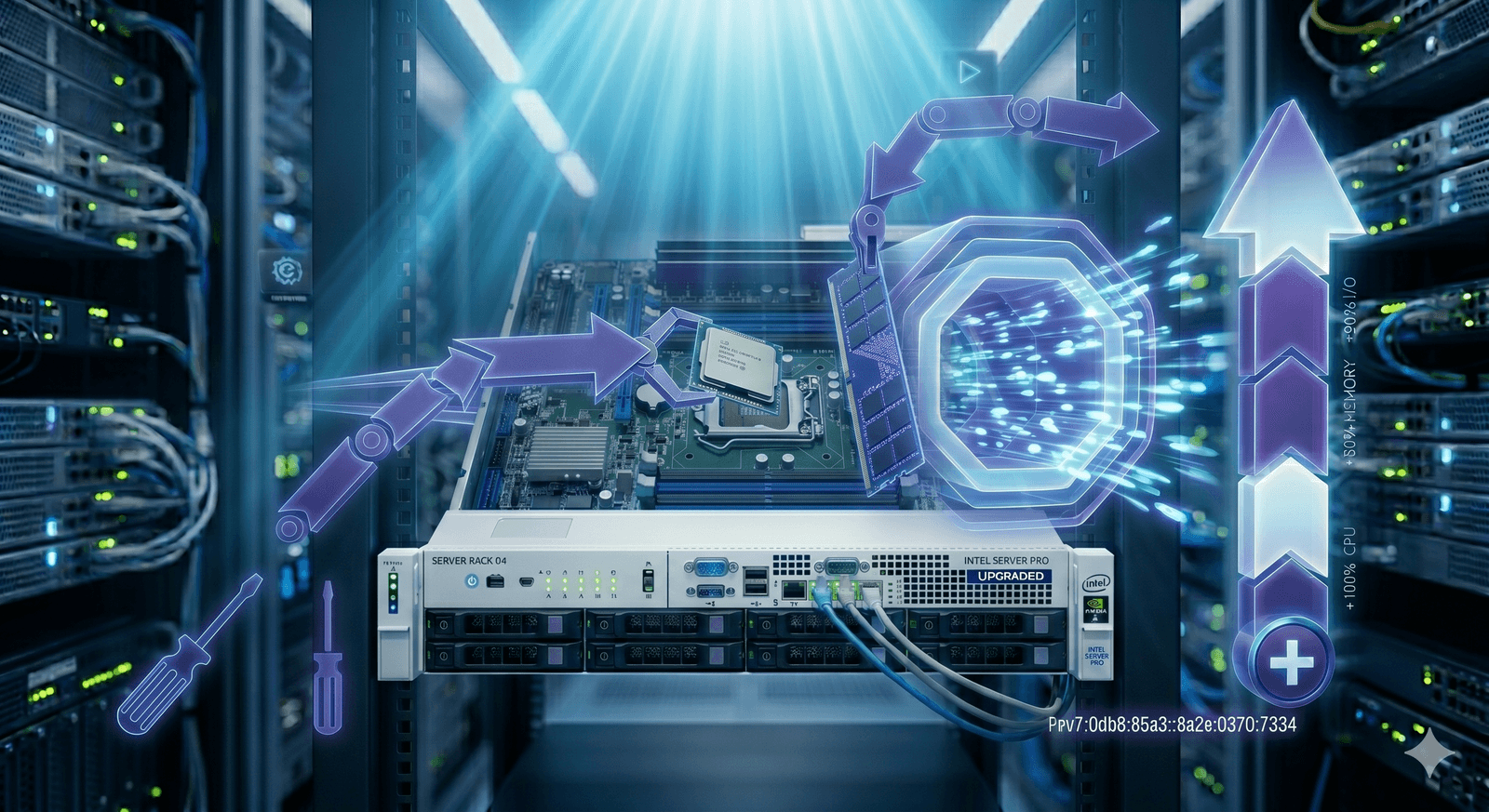
On any Server Trafficweb dedicated or co-located server you can add component-level upgrades — more CPU power, memory, NVMe storage or higher-end NICs — without rebuilding the box.
🎉 Join countless satisfied clients who trust us to power their digital ventures. Ready to experience unmatched reliability and support?
On any Server Trafficweb dedicated or co-located server you can add component-level upgrades — more CPU power, memory, NVMe storage or higher-end NICs — without rebuilding the box.
The Server Hardware Upgrades package is the practical alternative to "buy a bigger server and migrate everything." When the chassis you have is otherwise great — modern board, healthy disks, sensible networking — but a single component is now the bottleneck, swapping that component is almost always cheaper, faster and safer than starting over. Server Trafficweb supports CPU, RAM, drive, RAID and NIC upgrades across our offshore dedicated servers and co-located equipment, so you can extend the life of hardware you already trust.
Three upgrades cover the vast majority of real workloads. CPU upgrades come up most often when teams adopt heavier workloads — video transcoding, larger CI fleets, busier game servers — on a chassis that was perfectly sized two years ago and is now slightly under-spec. RAM upgrades come up almost as often: databases grow, caches grow, working sets spill to disk, and the application that used to feel snappy starts feeling sluggish. Storage upgrades — usually HDD to SSD or SATA-SSD to NVMe — produce the most dramatic before-and-after numbers, especially on database, queue and search workloads where IOPS is the limit.
Beyond the three big ones we handle the less obvious upgrades that quietly matter. Higher-end NICs let a server saturate a 10 Gbps uplink it could not before, and reduce CPU overhead on busy networking workloads. RAID controller upgrades produce faster storage under heavy concurrent IO. Additional disks add capacity to the chassis without migrating off it. Each upgrade is planned with your team, parts sourced and verified, scheduled at a time that suits your operations, and validated afterwards so you can prove the gain to whoever needs to see numbers.
For virtual workloads — VPS and cloud server — we adjust resources at the virtualisation layer via the Performance Add-Ons package, which is conceptually similar but delivered differently. The goal across both is the same: more life from the box, more performance for the workload, less disruption for the team. Pair with Monitoring and Reporting so you know which component is actually the bottleneck before you spend a euro.
Key Benefits
Swap CPU, RAM, drives, RAID controllers and NICs on the chassis you already run. No migration projects, no DNS games, no fresh OS install.
Move to a higher SKU when your workload outgrows the original CPU. Same chassis, same OS, more cores or higher clocks — and the application barely notices the swap window.
Add memory so MySQL buffer pools, Redis caches and application heaps stop spilling to disk. Often the single most cost-effective upgrade for any busy service.
Upgrade HDDs to SATA SSDs or SATA SSDs to NVMe. IOPS gains of 5–20× on database, queue and search workloads are routine — and immediately visible in latency graphs.
Replace older NICs to saturate higher uplinks (10 Gbps and beyond) and reduce CPU overhead on busy networking workloads like streaming and high-volume APIs.
Newer RAID controllers with bigger caches and more aggressive read-ahead deliver dramatically better behaviour under concurrent IO than the older silicon they replace.
Every upgrade is planned with your team, scheduled at your convenience and benchmarked afterwards to confirm the gain. No "should be faster" — actual numbers.
When the chassis is modern and only one or two components are limiting, an upgrade is materially cheaper than a new server plus the migration project that comes with it.
Built for real workloads
Extend the life of a server that runs critical workloads well — upgrade the actual bottleneck rather than buying a whole new box that brings its own risks.
Add RAM and swap to NVMe so MySQL, PostgreSQL or MongoDB keep responding fast as data volume and query complexity grow.
Add cores and memory so build queues drain faster, tests run in parallel and engineering teams stop waiting for the pipeline to free up.
Upgrade NICs and switch ports to take advantage of higher uplink classes without buying a new chassis. Pair with Bandwidth Upgrades for end-to-end speed.
Add disks to existing arrays so logs, user uploads and backup catalogues have room to grow — capacity without migration.
Simple. Predictable. Powerful.
Our engineers review monitoring data, configuration and workload signatures to confirm which component upgrade will move the needle — not just guess.
We confirm compatibility with your specific chassis, source the parts from trusted suppliers and verify them before scheduling the swap.
Most component swaps need a short reboot window. We schedule at a time that suits your operations and confirm a clear rollback plan in case anything looks off.
On-site engineers carry out the swap, validate boot, recheck firmware and bring the server back into service with your team in the loop the whole time.
After traffic settles we benchmark the new configuration and share a before/after report so the upgrade is provably worth what you paid for it.
Frequently asked questions
Detailed answers to the questions our customers ask most often about this service.
Explore other Server Trafficweb solutions that pair well with this service.
Enjoy seamless streaming with our offshore services. Unlock the secrets to uninterrupted streaming and say goodbye to buffering forever!